San Andreas / Mods / DYOM - Design your own Mission
X-Men after dark Phoenix. Part II Dyom
- X-Men Storyteller | hochgeladen von X-Men Storyteller
- 02/13/2025
- 1809 Downloads
Bewertungen:
Bitte melde dich zuerst an.
Favoriten:
Videos

Du musst angemeldet sein, um Videos zu diesem Mod hinzuzufügen.
Beschreibung
After the first part, I decided to do the second. Since I am not a pro in modding, not a pro in the envelope of weapons or skins, please do not judge my work too harshly. I found most of the skins and mods on the Internet, I adjusted some myself.
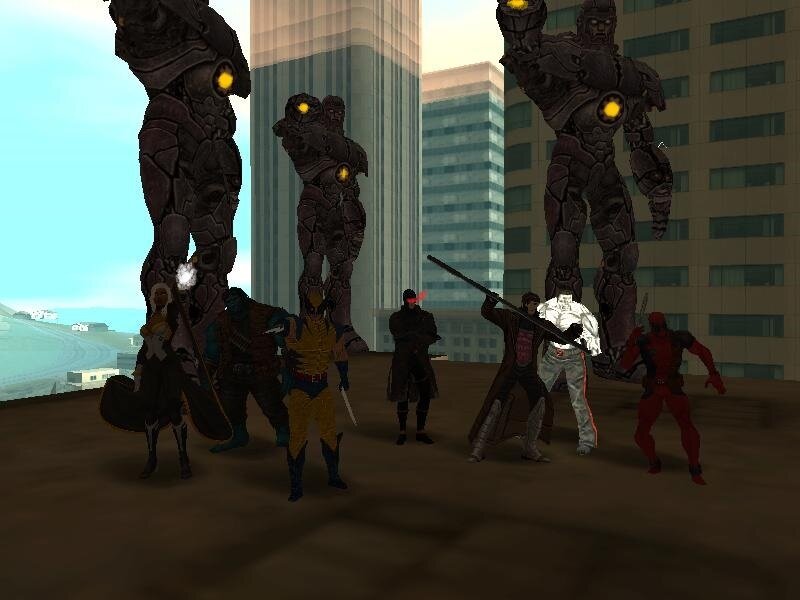
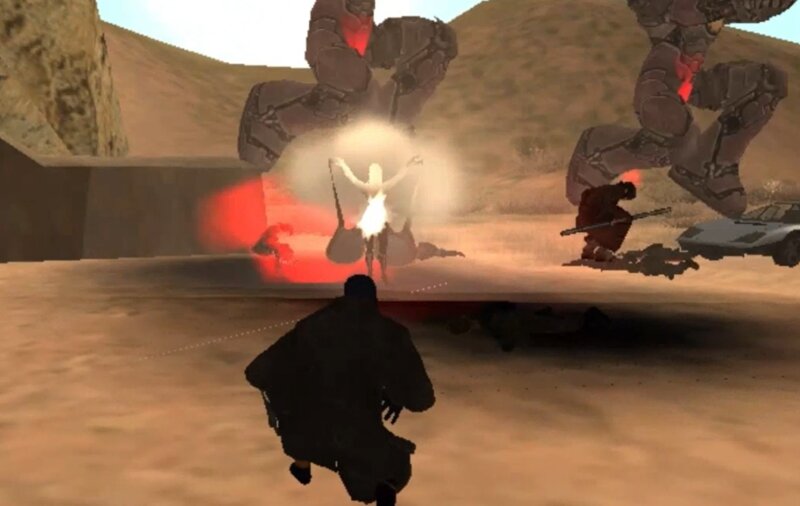
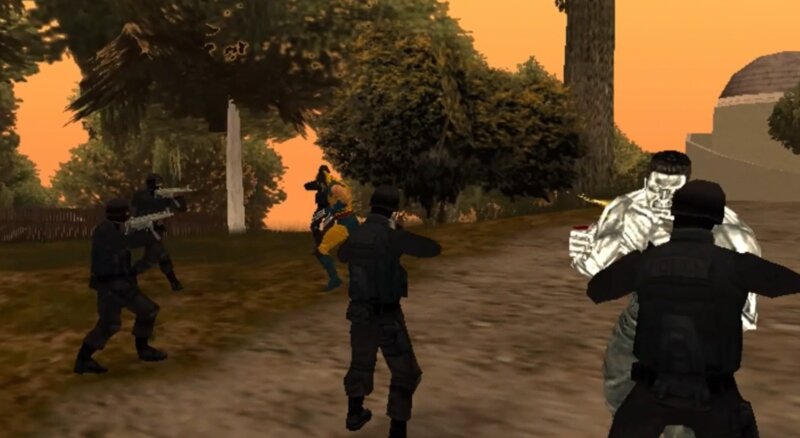
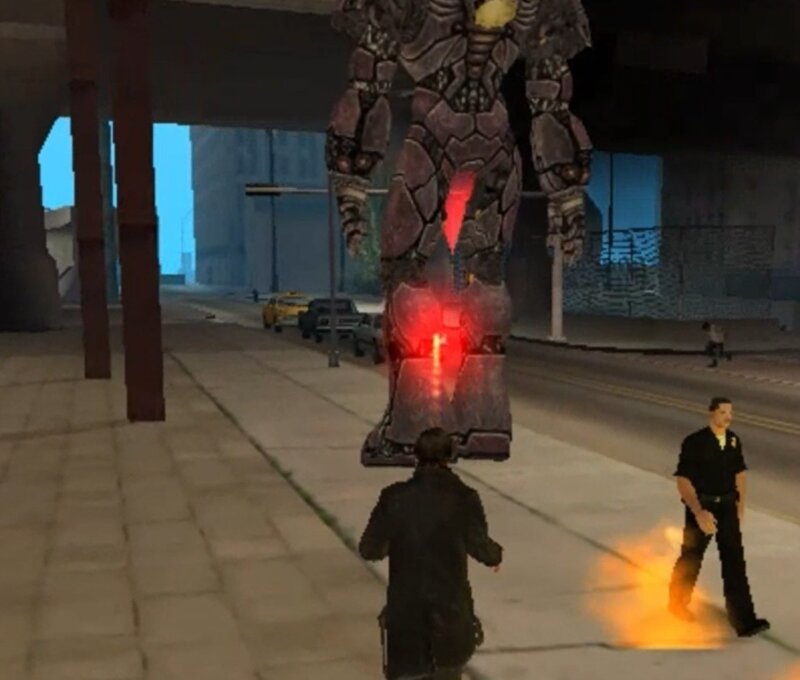
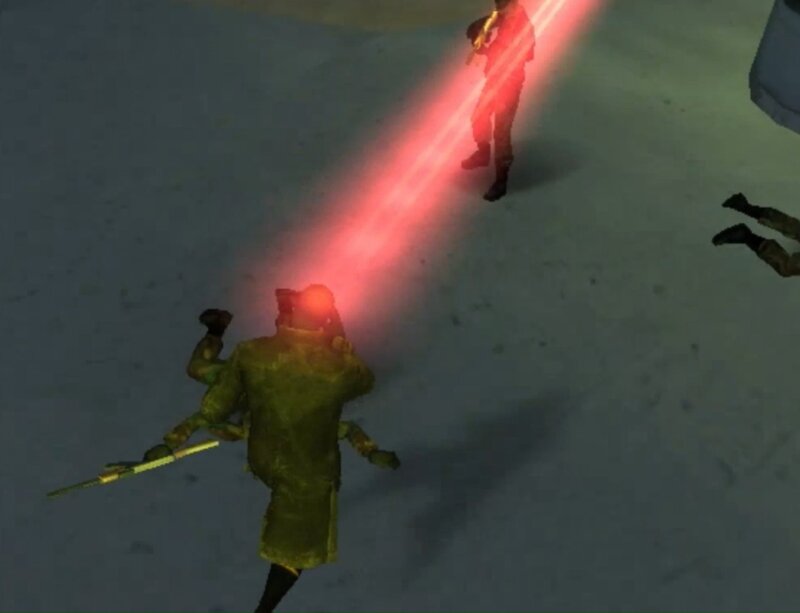
In short, this is a diom mission for ordinary Marvel fans who have nothing to do and just want to chop in GTA. There are 12 missions. The second part has a lot more marvel characters and almost all characters have superpowers. There are more action.
The screenshots do not show all the heroes of the story, because I do not want to spoil.
From the cleo folder, throw everything into the cleo folder.
From the data folder, everything into the data folder.
From the gta3 folder add with replacement to your gta3.img
from the dyom folder, everything to your dyom folder
I don't know what dyom you use and that's why I threw in the dyom I did the missions with for sure.
Controls:
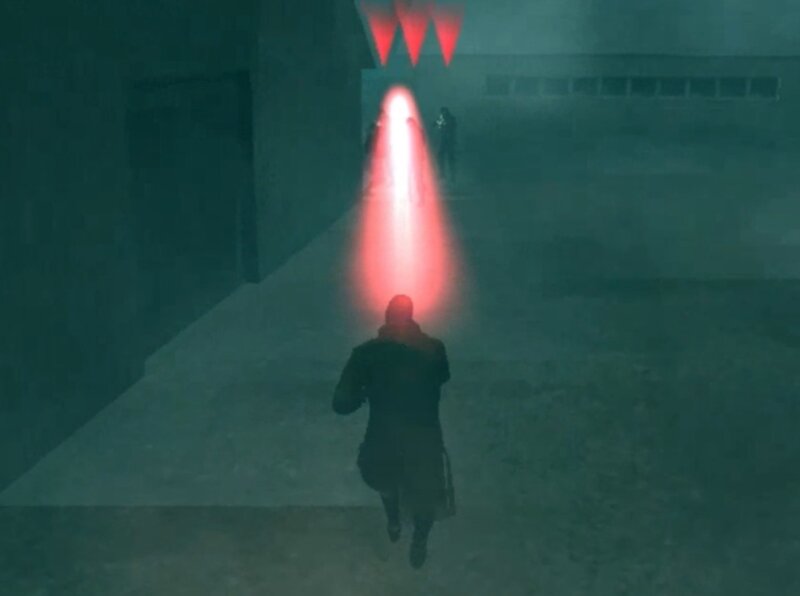
Key "1" for laser(Mous movements to guide the laser)
Key "2" for laser bei crouching
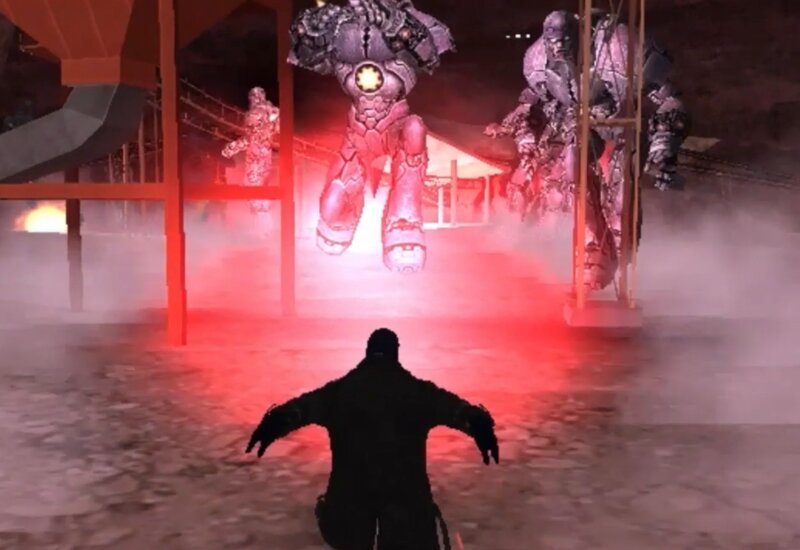
Key "4" for laserstrike
"Tab"+"H" for megablast
I hope you will enjoy the game!
In short, this is a diom mission for ordinary Marvel fans who have nothing to do and just want to chop in GTA. There are 12 missions. The second part has a lot more marvel characters and almost all characters have superpowers. There are more action.
The screenshots do not show all the heroes of the story, because I do not want to spoil.
From the cleo folder, throw everything into the cleo folder.
From the data folder, everything into the data folder.
From the gta3 folder add with replacement to your gta3.img
from the dyom folder, everything to your dyom folder
I don't know what dyom you use and that's why I threw in the dyom I did the missions with for sure.
Controls:
Key "1" for laser(Mous movements to guide the laser)
Key "2" for laser bei crouching
Key "4" for laserstrike
"Tab"+"H" for megablast
I hope you will enjoy the game!
Kommentare
Es wurden bisher 12 Kommentare gepostet.


02/17/2025 22:37
@Chris pop
The "throwObj__Laser.cs", "Staying_Cyclops_Laser.cs", "MegaBlast.cs", "Croughing_Cyclops_Laser.cs" files in the Cleo folder are single scripts, and each is separately responsible for the individual Cyclops powers. You can use them in your games individually. Only for "MegaBlast.cs" you need to add a new animation "mkq2.ifp" to gta3.img.
Or did I misunderstand your request?
Zitieren | Antworten
@Chris pop
The "throwObj__Laser.cs", "Staying_Cyclops_Laser.cs", "MegaBlast.cs", "Croughing_Cyclops_Laser.cs" files in the Cleo folder are single scripts, and each is separately responsible for the individual Cyclops powers. You can use them in your games individually. Only for "MegaBlast.cs" you need to add a new animation "mkq2.ifp" to gta3.img.
Or did I misunderstand your request?
Zitieren | Antworten