San Andreas / Mods / CLEO-Mods
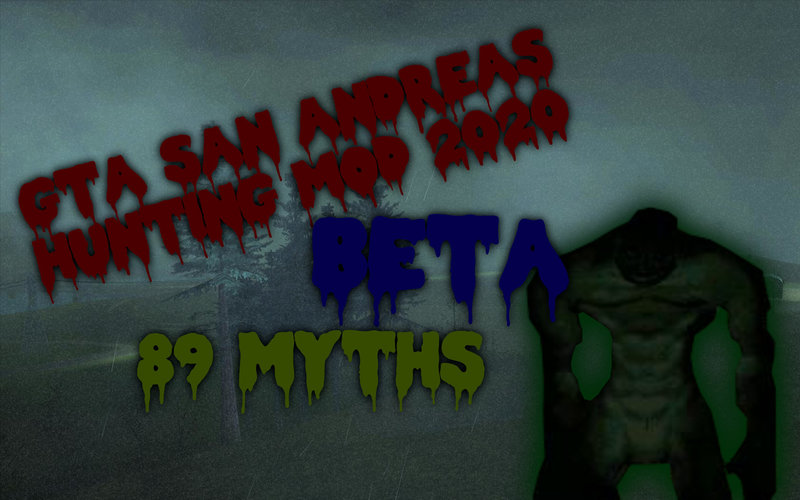
GTA SA Hunting Mod 2020 (BETA V2)
- Fiven | hochgeladen von Fiven
- 06/28/2020
- 23896 Downloads
Bewertungen:
Bitte melde dich zuerst an.
Favoriten:
Videos
Noch keine Videos hinzugefügt.Du musst angemeldet sein, um Videos zu diesem Mod hinzuzufügen.
Beschreibung
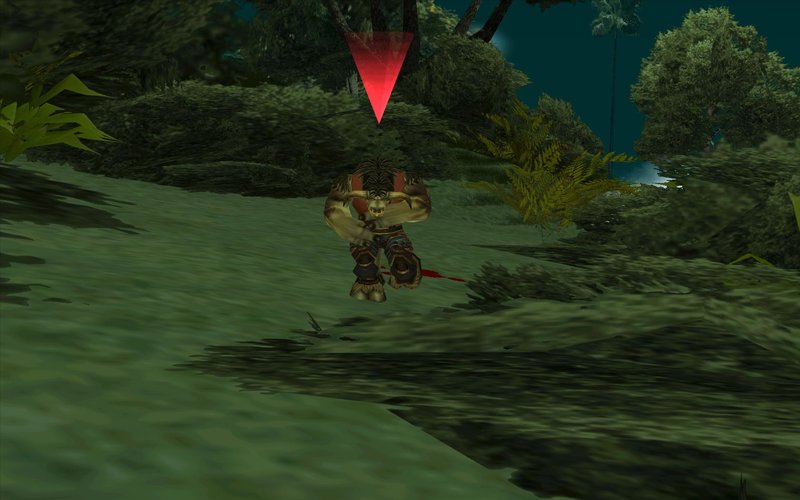
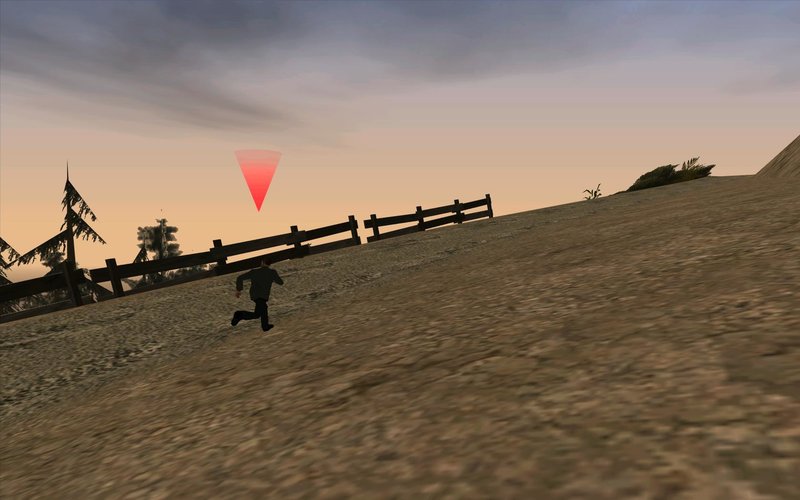
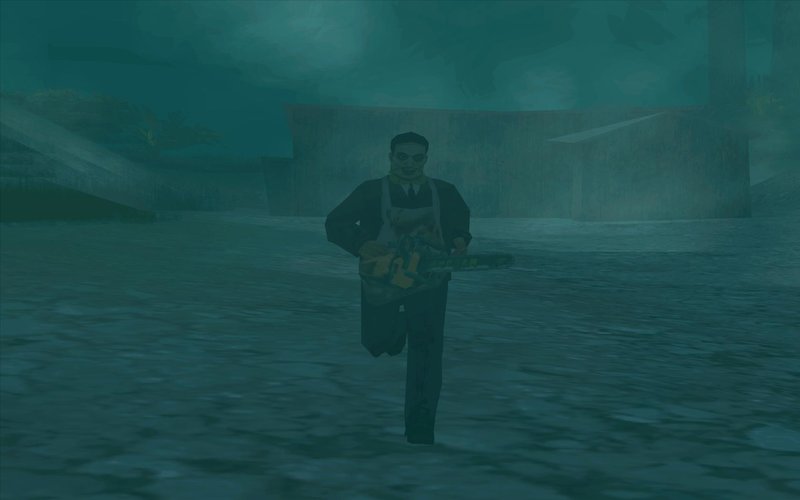
Welcome to the BETA version of the mod!
It contains:
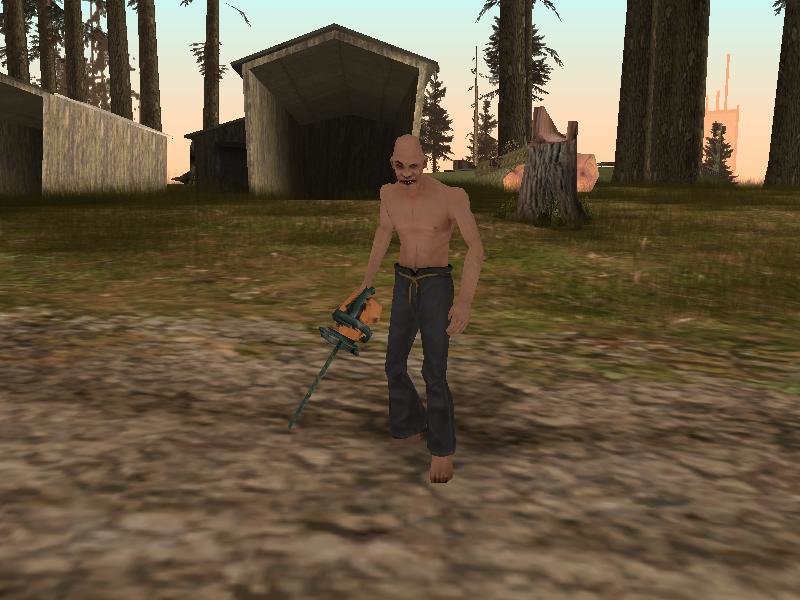
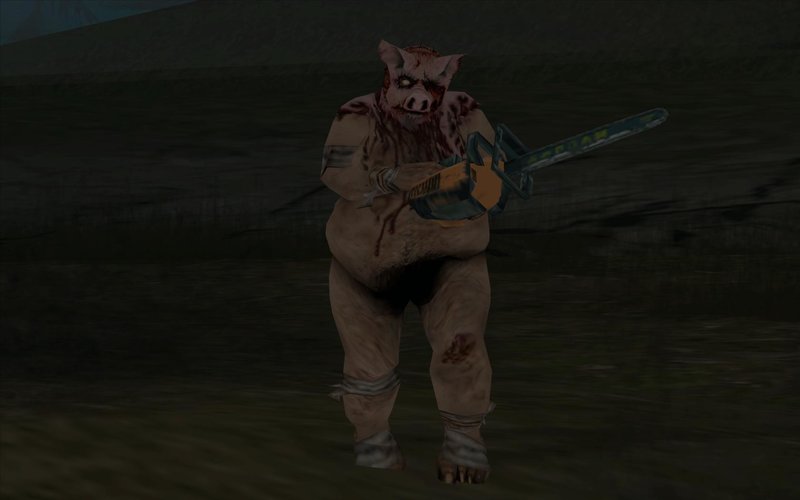
-89 Myths
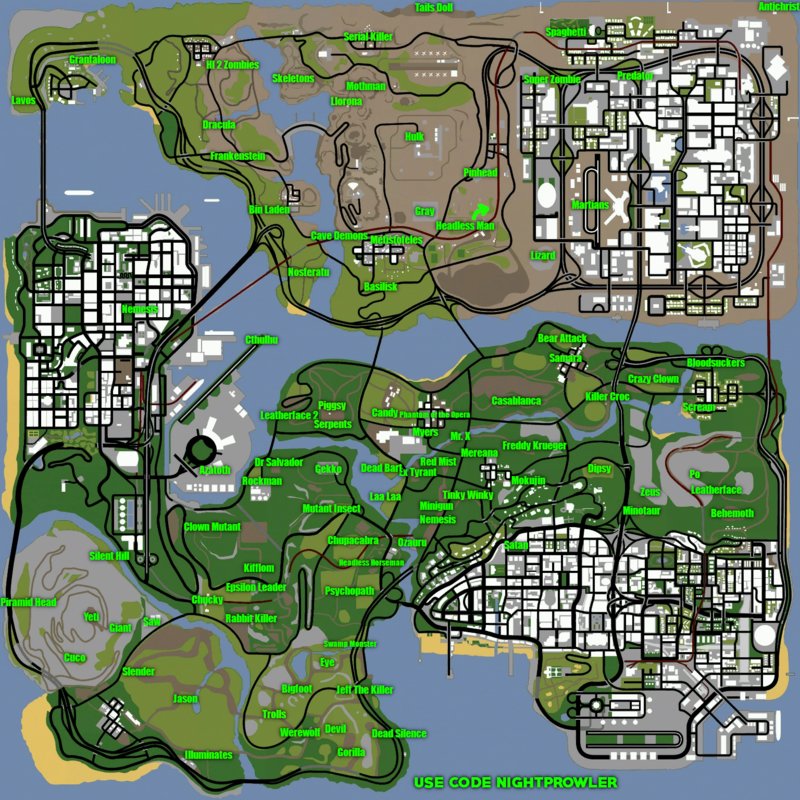
-Location map
-Good built mods
And even more!
---HOW TO INSTALL!---
You need CLEO4 installed in your game to install my mod
1.Put all .cs files from CLEO to "cleo" folder located in your game folder
2.Put all .fxt files from "cleo_text" to the cleo_text folder located in your game folder
3.Put "Themes" in cleo folder located in your game folder
4.Open your IMG Editor (IMG Tool, Alci's IMG Editor etc.)
5.Open gta3 located in "models" in your game folder
6.Add (Import) all .dff's and .txd's
7.Replace (Or Import (remove if exists) in Alci's IMG Editor) all the .dff's and txd's with the ones that i gave you in "Replace in gta3"
7.Click Rebuild Archive (IMG Tool) or Save (Alci's IMG Editor)
8.Close the IMG Editor
-------------------------------------
Have fun!
It contains:
-89 Myths
-Location map
-Good built mods
And even more!
---HOW TO INSTALL!---
You need CLEO4 installed in your game to install my mod
1.Put all .cs files from CLEO to "cleo" folder located in your game folder
2.Put all .fxt files from "cleo_text" to the cleo_text folder located in your game folder
3.Put "Themes" in cleo folder located in your game folder
4.Open your IMG Editor (IMG Tool, Alci's IMG Editor etc.)
5.Open gta3 located in "models" in your game folder
6.Add (Import) all .dff's and .txd's
7.Replace (Or Import (remove if exists) in Alci's IMG Editor) all the .dff's and txd's with the ones that i gave you in "Replace in gta3"
7.Click Rebuild Archive (IMG Tool) or Save (Alci's IMG Editor)
8.Close the IMG Editor
-------------------------------------
Have fun!
Kommentare
Es wurden bisher 14 Kommentare gepostet.