GTA III / Android/iOS / Autos
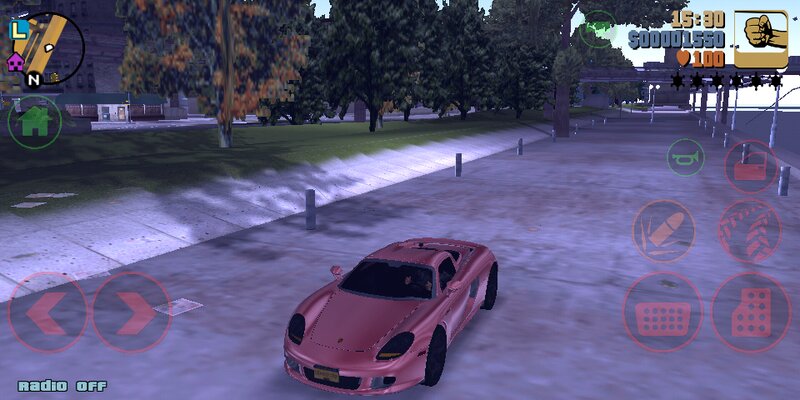
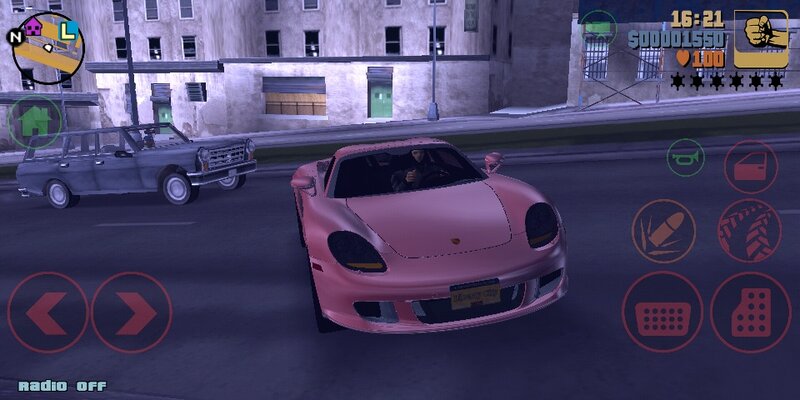
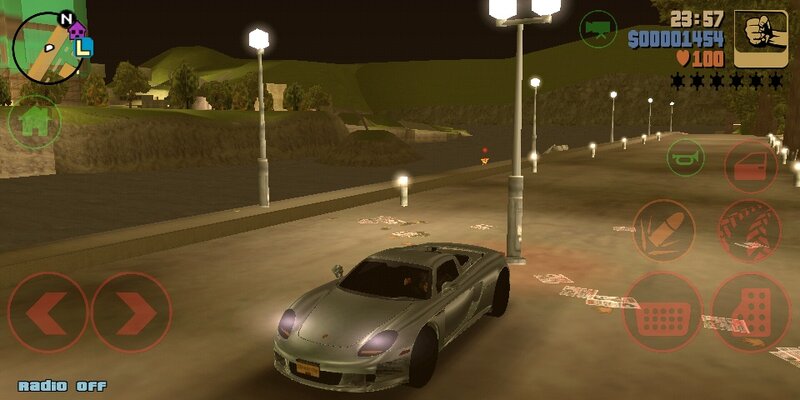
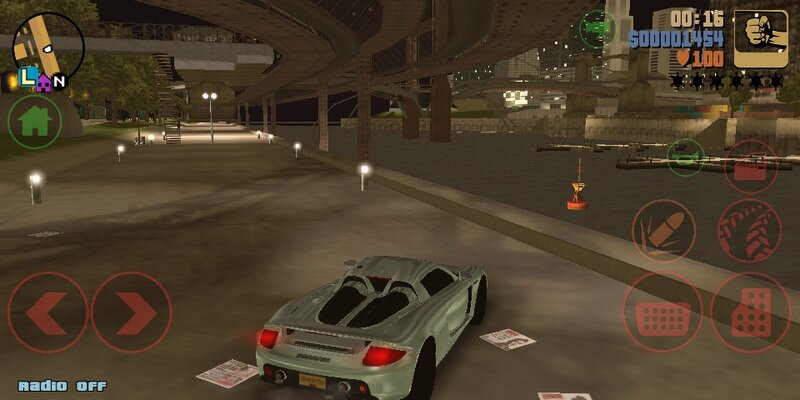
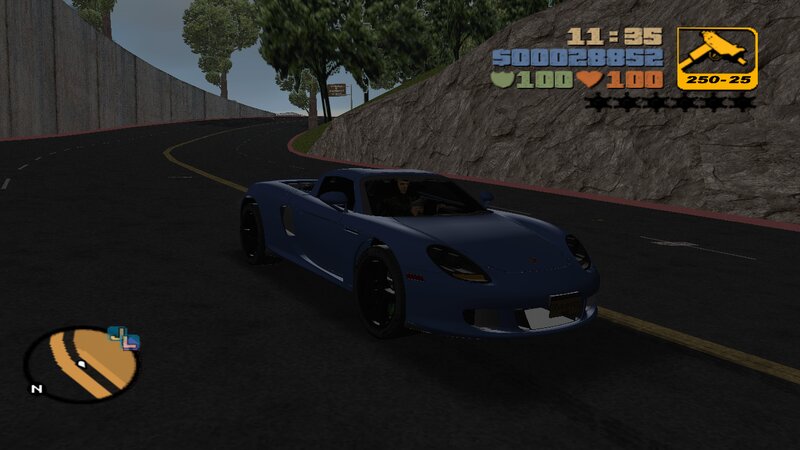
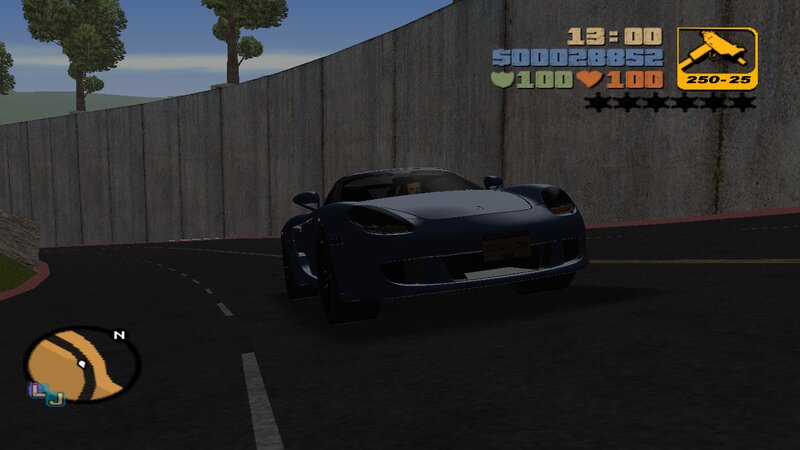
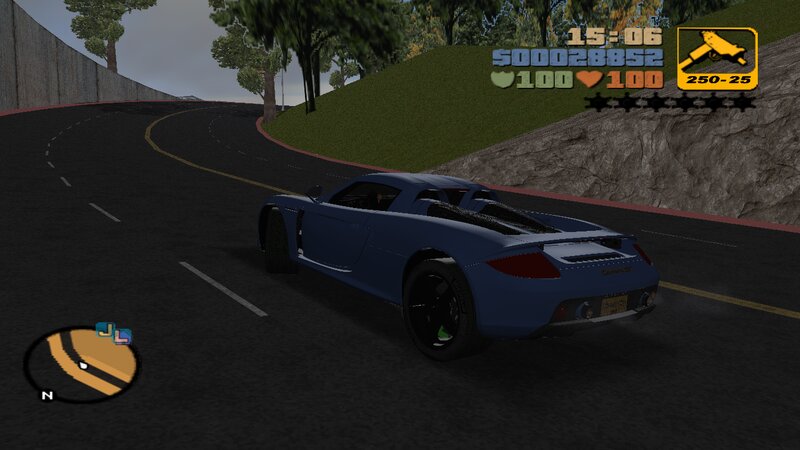
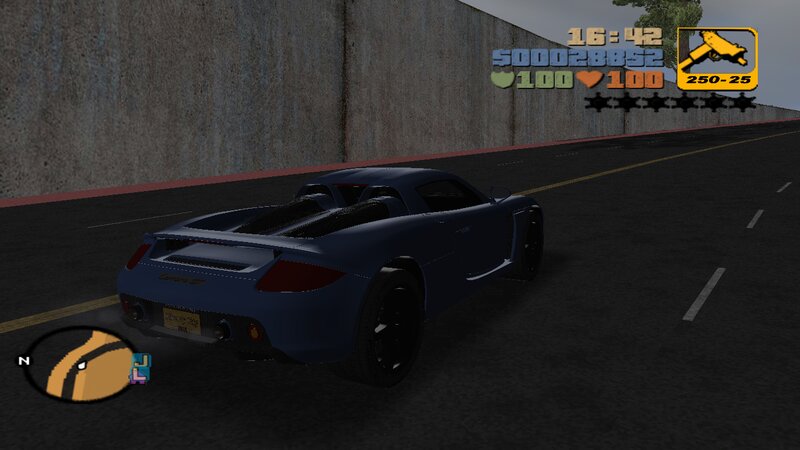
Porsche Carrera GT for Mobile
- N4SPEED GTA | hochgeladen von N4SPEED GTA
- 08/15/2025
- 2190 Downloads
Bewertungen:
Bitte melde dich zuerst an.
Favoriten:
Videos
Noch keine Videos hinzugefügt.Du musst angemeldet sein, um Videos zu diesem Mod hinzuzufügen.
Beschreibung
Porsche Carrera GT
This modifications adds to GTA:III new car from Need for Speed:Rivals.
The car has improved characteristics and fits perfectly into the gameplay.
FEATURES:
-High quality models and textures.
-Converted model from NFS:Rivals.
-Improved handling for the new car.
-Compatible with both PC and Android.
INSTALLATION INSTRUCTIONS:
GTA III PC:
1-With "Txd Workshop" locate the game's installation folder and move to "models",Open the file "gta3.img" and replace "banshee.dff & banshee.txd".
2-Use "Txd Workshop" again to open the file "txd.img",find and replace "banshee.txd".
3-Go to folder "models\generic" and replace "wheels.DFF & MISC.txd".
4-After That go to folder "data",open the file "handling.cfg" with "Notepad" and replace the handling line "BANSHEE" with the new.
5-Launch the game and enjoy with your new car!
GTA III ANDROID:
1-Open "GTA IMG Tool" and follow the path:Android/data/com.rockstar.gta3/files/GTA3/models.
2-In the "gta3_unc.img" file,replace "banshee.dff and banshee.txd".
3-Move to "models" folder and replace "wheels.DFF & Misc_UNC.txd".
4-Go to the data folder to replace the old "handling.cfg" file.
5-Launch the game and enjoy!
NOTES:
-Make a backup copy of your game files before installing the mod.
-Make sure you follow all the steps correctly to avoid errors in the game.
This modifications adds to GTA:III new car from Need for Speed:Rivals.
The car has improved characteristics and fits perfectly into the gameplay.
FEATURES:
-High quality models and textures.
-Converted model from NFS:Rivals.
-Improved handling for the new car.
-Compatible with both PC and Android.
INSTALLATION INSTRUCTIONS:
GTA III PC:
1-With "Txd Workshop" locate the game's installation folder and move to "models",Open the file "gta3.img" and replace "banshee.dff & banshee.txd".
2-Use "Txd Workshop" again to open the file "txd.img",find and replace "banshee.txd".
3-Go to folder "models\generic" and replace "wheels.DFF & MISC.txd".
4-After That go to folder "data",open the file "handling.cfg" with "Notepad" and replace the handling line "BANSHEE" with the new.
5-Launch the game and enjoy with your new car!
GTA III ANDROID:
1-Open "GTA IMG Tool" and follow the path:Android/data/com.rockstar.gta3/files/GTA3/models.
2-In the "gta3_unc.img" file,replace "banshee.dff and banshee.txd".
3-Move to "models" folder and replace "wheels.DFF & Misc_UNC.txd".
4-Go to the data folder to replace the old "handling.cfg" file.
5-Launch the game and enjoy!
NOTES:
-Make a backup copy of your game files before installing the mod.
-Make sure you follow all the steps correctly to avoid errors in the game.
Kommentare
Es wurden bisher 0 Kommentare gepostet.